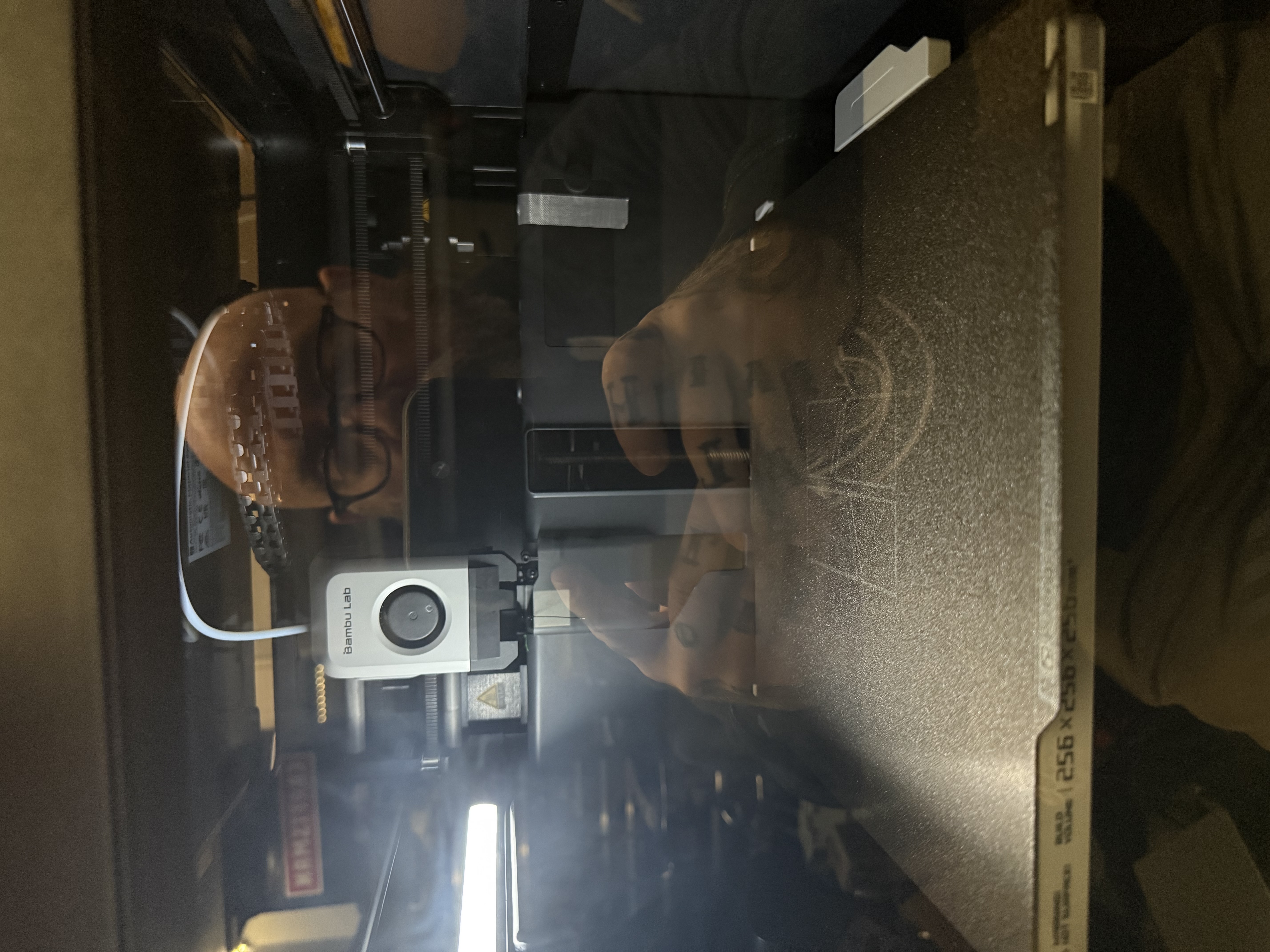

Set It and Forget It: My Experience Swapping a Decade-Old Printer for the Bambu Lab P1S
For years, my 3D printing journey was more about frustration than creation. My old printer, nearly a decade old, had become such a pain to use, with outdated features and poor print quality, that I’d almost given up on 3D printing entirely. Even a brief foray into resin printing with an Elegoo Mars proved too messy and time-consuming for my liking, and it quickly ended up in storage alongside my old Wanhao printer.
My friend Robbie, W1RCP, reignited my interest when he acquired a Bambu Lab printer. I was incredibly impressed by his ability to consistently produce models with minimal failures, even monitoring prints remotely from work. This led me to investigate Bambu Lab printers myself, and I managed to snag a P1S with the AMS2 Pro during a Black Friday sale. To my surprise, it shipped incredibly fast, arriving within a week.
The P1S lived up to its “ready to print right out of the box” claim. Setup took me only 10 to 15 minutes, including downloading their software and phone app. After a quick 15-minute zeroing and leveling process, it was ready to go. Instead of a typical test print, I immediately printed a practical item: a guy wire ring for one of my POTA masts, which I found on the Bambu Lab website. The print was incredibly fast and turned out great using PETG filament.
Since then, I’ve been putting the P1S through its paces, logging over 20 hours in just a few days. I’m currently working on a multi-section GoBox for my Yaesu FT-891, using plans I downloaded and transferred directly to the Bambu Lab software. This printer is remarkably fast, and I haven’t experienced a single print failure. The quality is absolutely amazing; even intricate designs with text, which my old printer would butcher, come out 100% perfect on the P1S.
Bambu Lab’s claims of well-polished hardware and software are entirely true. The P1S features an enclosed body, ideal for maintaining temperatures for high-temperature filaments. The AMS system, which I purchased, handles up to four different filaments, keeping them dry and ready. The built-in camera with remote monitoring and time-lapse features is a game-changer, allowing me to “set it and forget it” and receive text notifications when prints are complete.
My only minor complaint is the amount of filament purged before each print and during color changes with the AMS. While it ensures clean transitions, it feels a bit wasteful. However, a significant positive is its quietness. Unlike my old printer, which my wife banished to the shop, I believe I could easily have the P1S running in the house without it being a noticeable disturbance.
Priced at $639 for the combo on the Bambu Lab website, the P1S offers incredible value. The software is excellent, and the community provides a wealth of searchable designs. I’ve also had no issues using STL files from other websites. The ease of use is remarkable; a coworker’s 10-year-old son, with no prior experience, was able to set up and start printing immediately. As someone with 8-10 years of 3D printing experience, I can confidently say this printer is well worth the money and has completely rekindled my passion for the hobby. I would absolutely purchase it again.